Choosing the Right Resume Template
With 20+ templates to choose from, here's how to pick the one that's right for your industry, experience level, and personal style.
Your resume content matters most, but presentation still counts. The right template helps your information stand out while keeping things readable for both humans and ATS systems.
ReviseCV offers 20+ templates. Here’s how to choose.
All Templates Are ATS-Friendly
Before diving into design choices, know this: every ReviseCV template is designed to work with Applicant Tracking Systems. You don’t have to sacrifice style for compatibility.
ATS-friendly means:
- Clean, parseable structure
- Standard section headings
- Readable fonts
- No graphics that confuse parsers
- Proper hierarchy and formatting
So choose based on preference and industry norms, not ATS concerns.
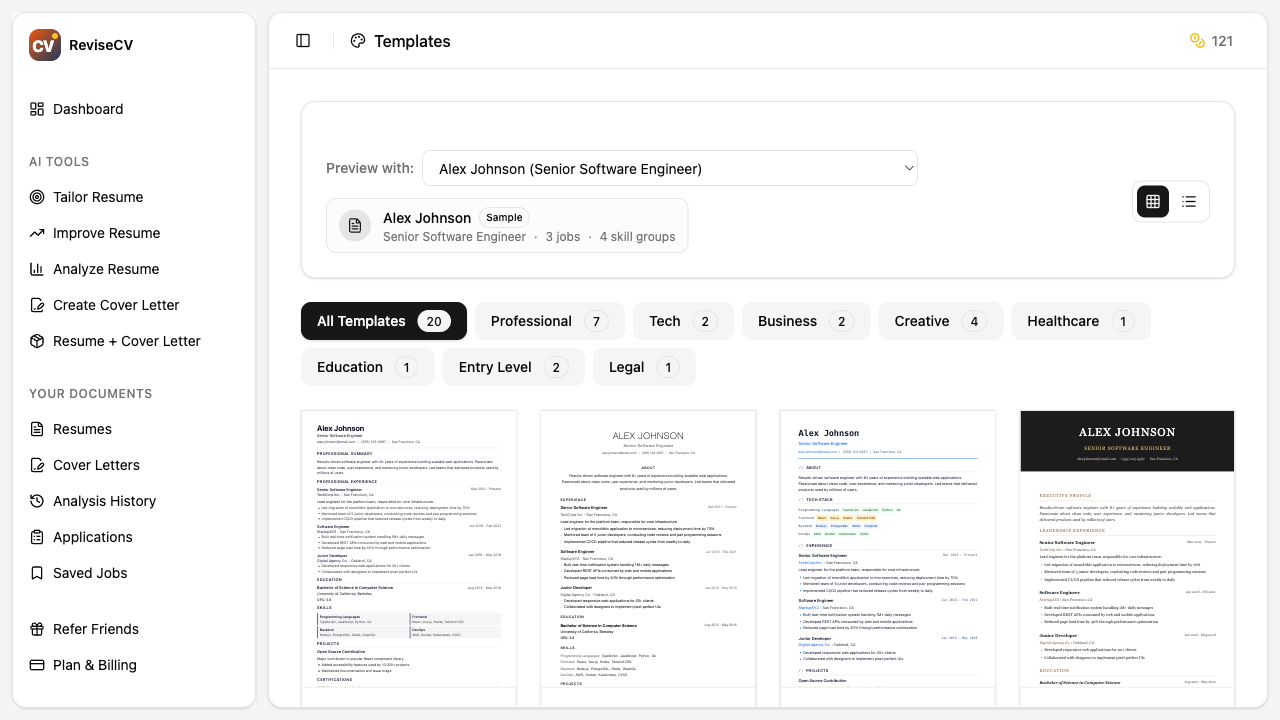
Template Categories
Classic Templates
Clean, traditional layouts. These work in any industry and are especially appropriate for:
- Corporate environments
- Finance and banking
- Legal and consulting
- Government positions
- Traditional industries
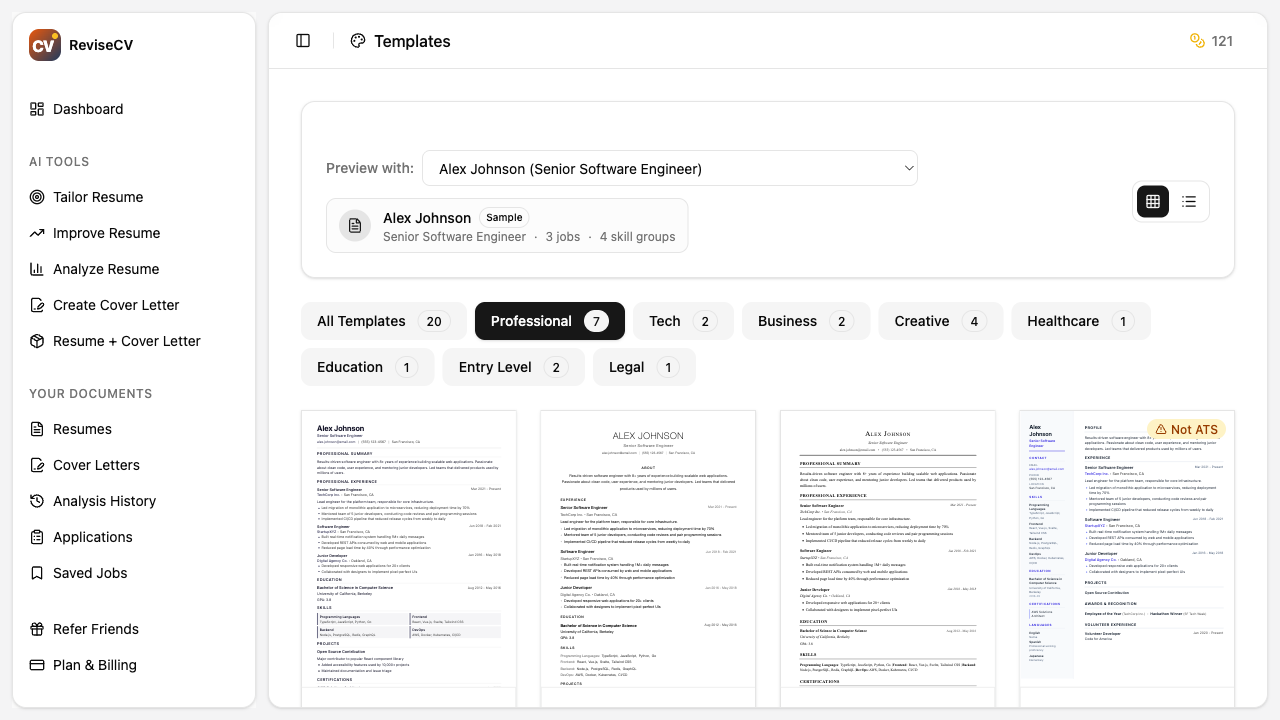
Modern Templates
Contemporary designs with subtle styling. Good for:
- Technology companies
- Startups
- Marketing and communications
- Most professional roles
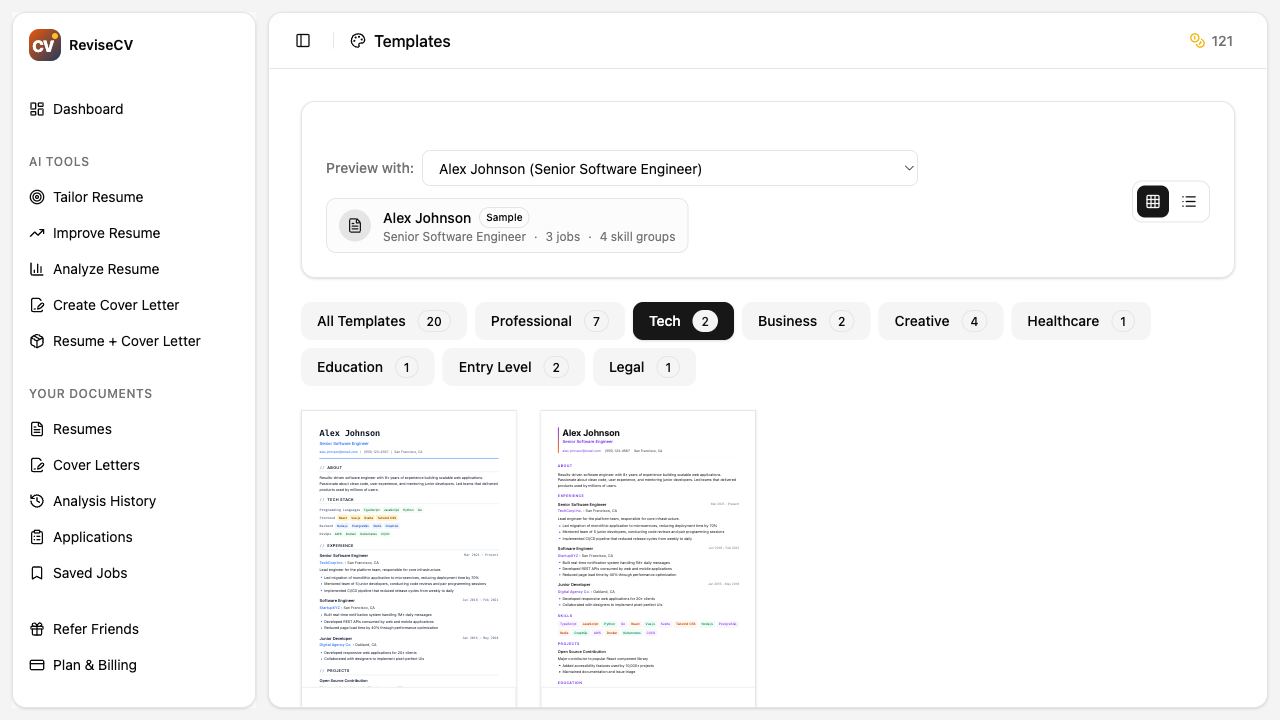
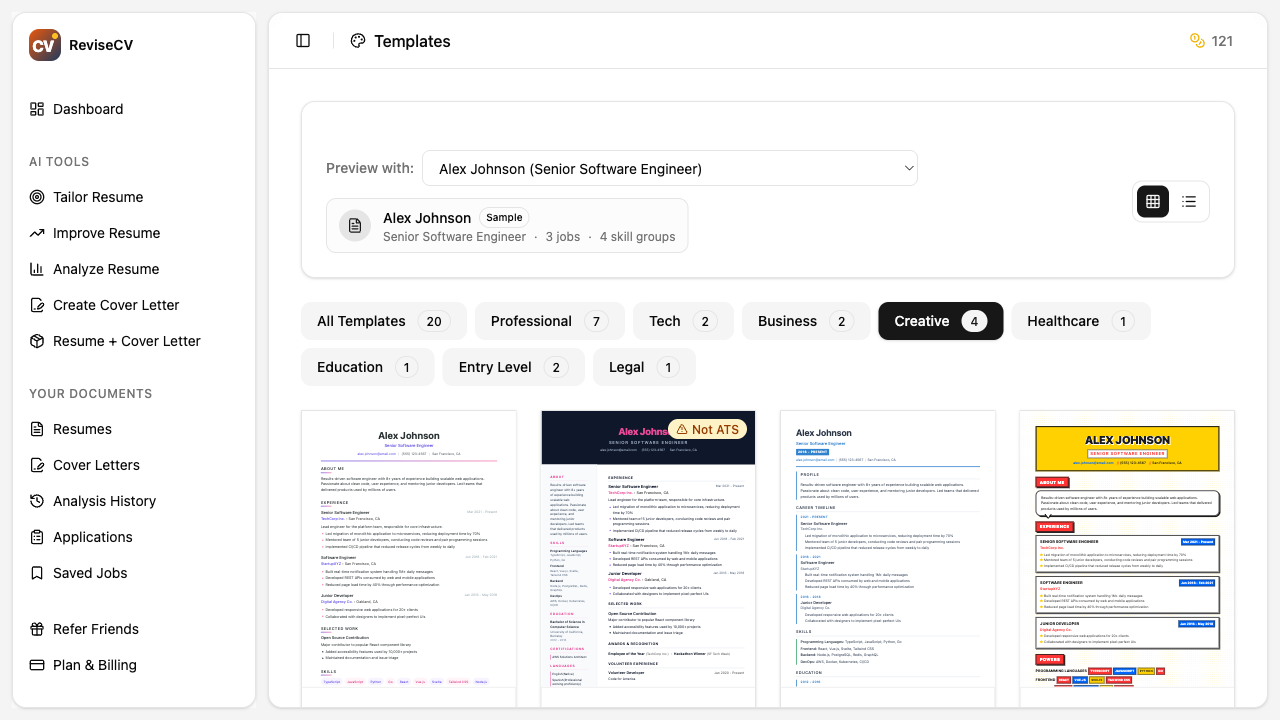
Creative Templates
Distinctive layouts that show personality. Best for:
- Design roles
- Creative industries
- Marketing and branding
- Roles where visual presentation matters
Choosing by Industry
| Industry | Recommended Style | Why |
|---|---|---|
| Finance, Banking, Legal | Classic | Conservative expectations, professionalism matters |
| Technology, Startups | Modern | Shows you’re current, balanced professionalism |
| Design, Creative | Creative | Demonstrates design sensibility |
| Healthcare, Education | Classic or Modern | Professional but not stuffy |
| Marketing, Media | Modern or Creative | Shows creativity while staying professional |
| Government, Non-profit | Classic | Traditional expectations |
When in doubt, go with Modern. It works almost everywhere.
Choosing by Experience Level
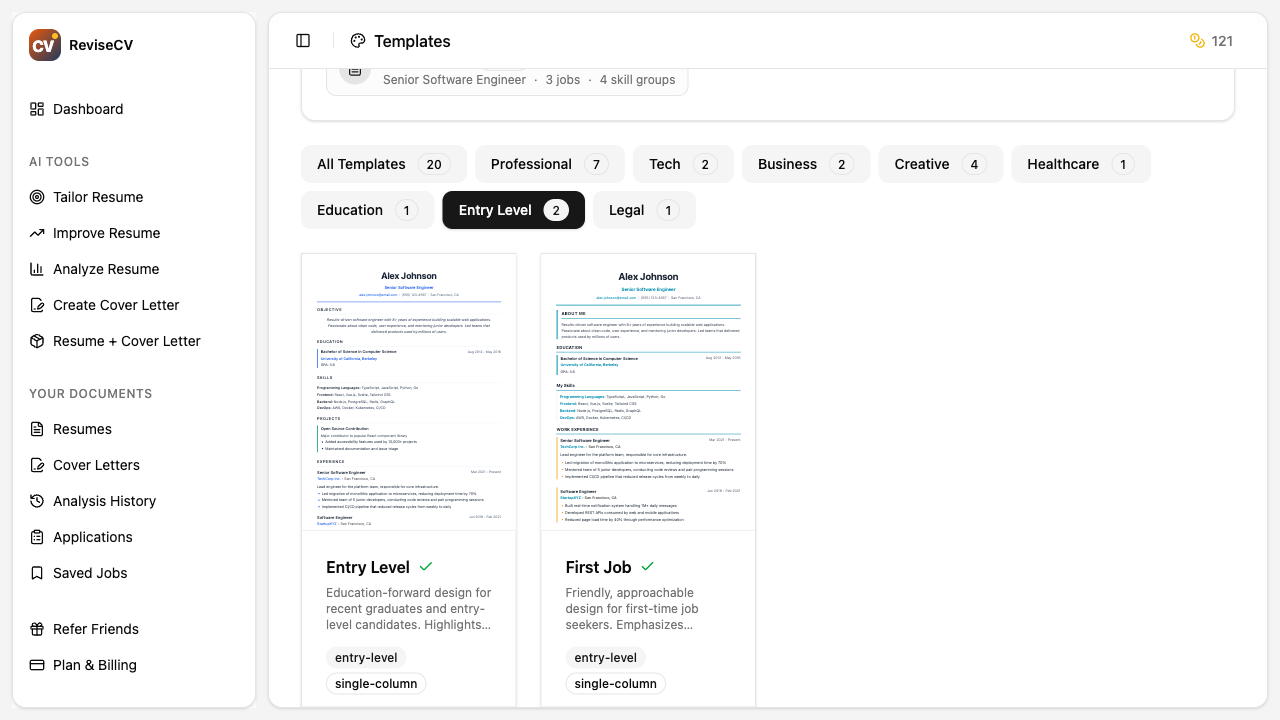
Entry Level / Recent Graduate
Choose templates that make the most of limited experience:
- Emphasis on education section
- Skills-forward layouts
- Clean designs that don’t highlight sparse work history
Mid-Career
Standard layouts work well:
- Balance between work history and skills
- Room for achievements and progression
- Professional but not stuffy
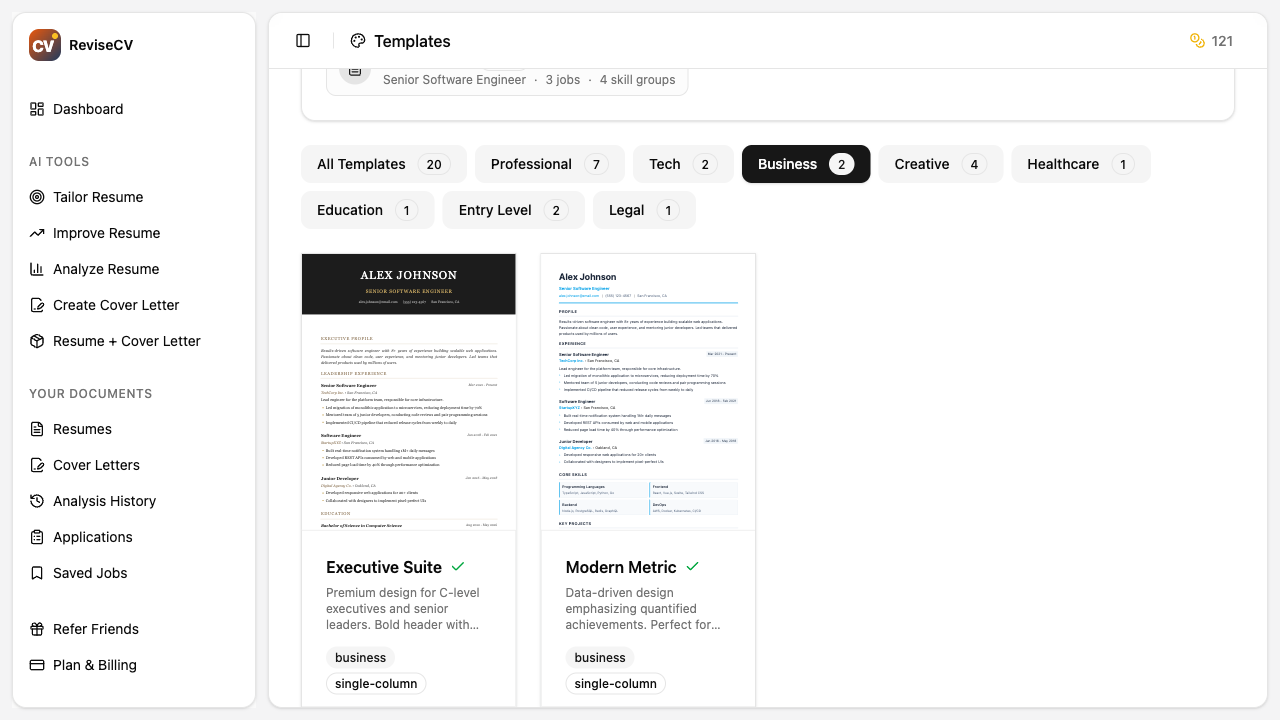
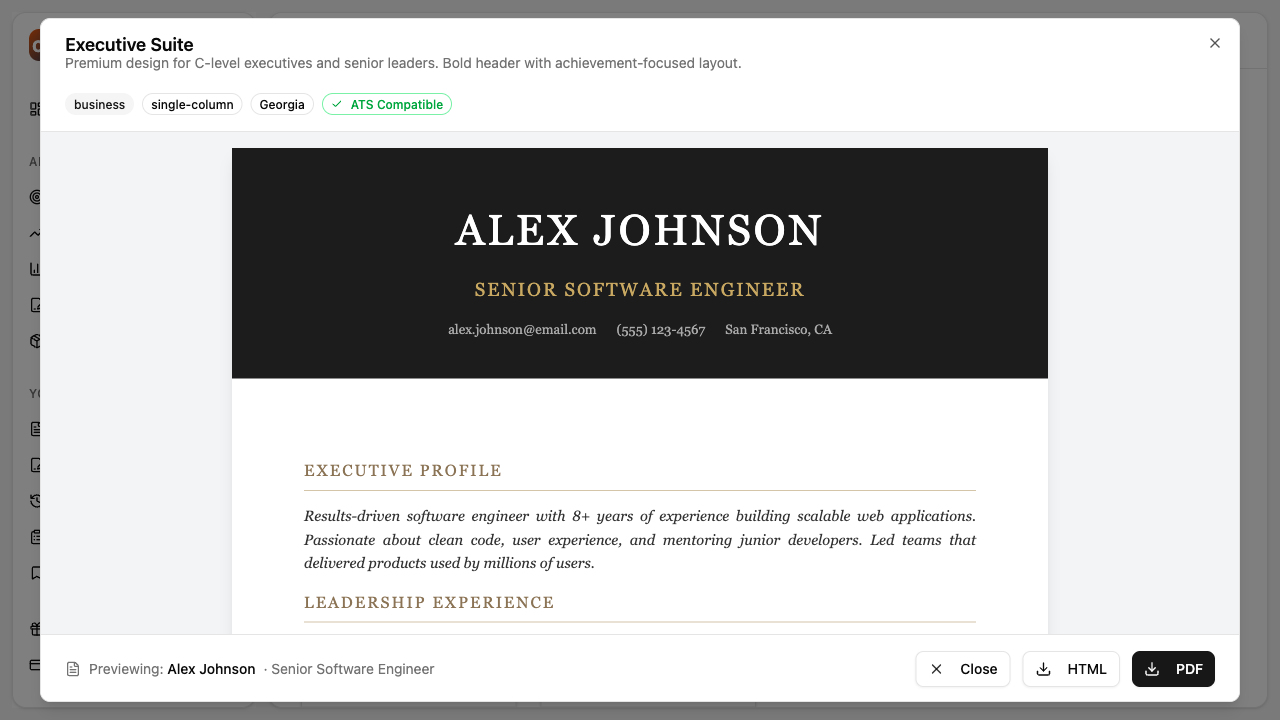
Senior / Executive
Templates that convey authority:
- Emphasis on leadership and impact
- Space for summary or executive profile
- Clean, confident designs
Previewing Templates
Before committing, preview your content in different templates. In ReviseCV:
- Go to the Templates page
- Select any template to see a preview
- If you have a saved resume, you can preview with your actual content
- Switch between templates without losing your work
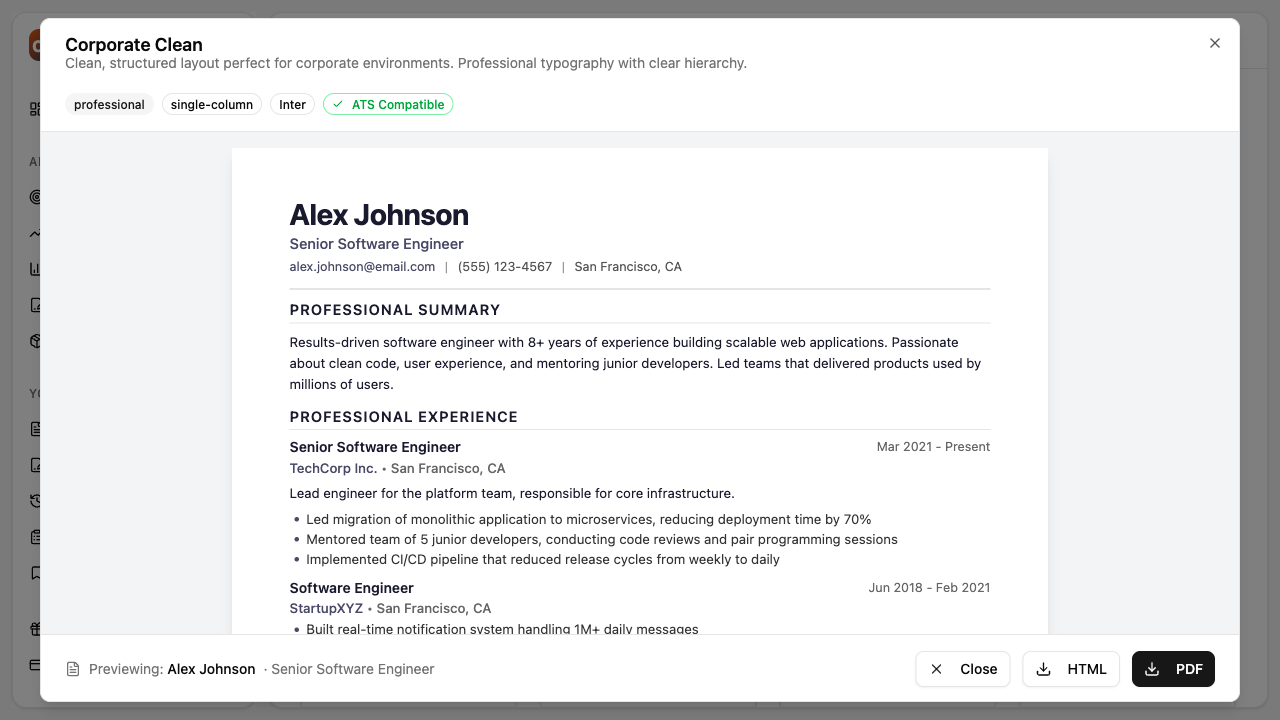
This lets you see how your specific content looks, not just sample text.
Template Elements
Color Schemes
Most templates offer subtle color accents. Blues and grays are safe. Avoid bright colors for conservative industries.
Layout Options
- Single column: Traditional, universally accepted
- Two column: Modern look, efficient space use
- Sidebar: Skills and contact info on the side, experience in main column
Section Order
Templates arrange sections differently. Consider what you want to emphasize:
- Lead with experience if you have strong, relevant work history
- Lead with skills if you’re changing careers or have transferable abilities
- Lead with education if you’re a recent graduate
Common Questions
Should I use color?
Subtle color is fine for most industries. Avoid it for very conservative fields (law, finance) unless the company culture suggests otherwise.
One page or two?
- One page: Entry level, early career, or focused on a specific role
- Two pages: 10+ years of experience, senior roles, or when more detail is genuinely needed
Don’t pad to fill two pages. Don’t cram to fit one page. Let your content dictate length.
What about photos?
In North America, don’t include a photo. It’s not expected and can introduce bias. Some international markets have different norms.
Can I change templates later?
Yes. Your content is separate from your template. You can switch templates anytime and your information transfers over.
Testing Your Choice
After selecting a template:
- Preview the PDF to see exactly how it will look when printed or viewed
- Check on mobile since some reviewers will see it on their phones
- Try different templates with the same content to compare
Template Tips
Match the company vibe. Look at the company’s website and branding. A design-forward company might appreciate a more creative template. A traditional company expects traditional formatting.
When in doubt, go conservative. You’ll never be rejected for a clean, professional template. You might be for something too flashy.
Consistency matters. Use the same template for your resume and cover letter if possible. It looks polished.
Focus on content first. The best template won’t save weak content. Get your content right, then choose a template that presents it well.
Next Steps
- Getting Started with ReviseCV: Full overview of the platform
- How to Use Resume Tailor: Optimize your content before choosing a template
- Understanding Your Resume Score: Make sure your content is strong before focusing on design
Ready to explore templates? Browse all templates.